
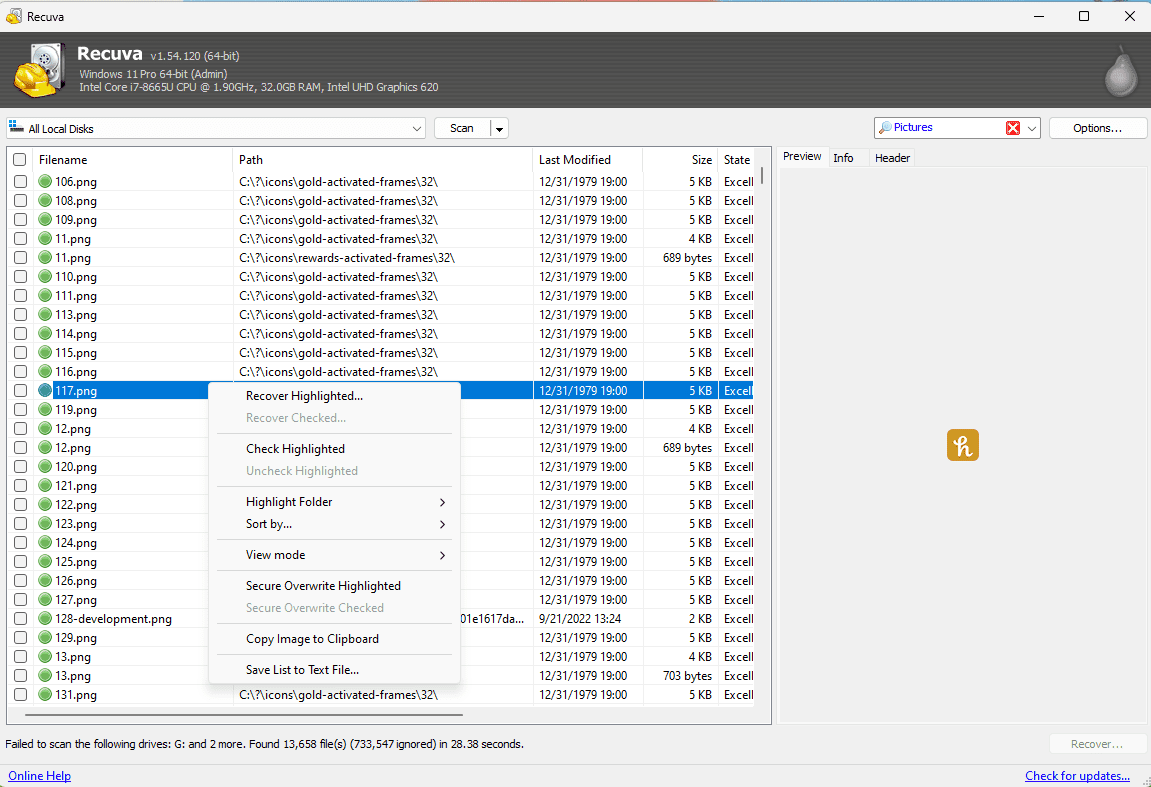
Split archives look like “one file” in Explorer, but they are actually a chain: a base file plus continuation segments with related names. Recovery tools may find only part of the chain, especially after deletes or partial copies. Until every segment is present in the same folder with consistent naming, extraction tools will fail in ways that look like “corruption” when the real issue is incompleteness.
This article covers naming patterns, common failure modes, free-space planning, and verification steps after you think you have the whole set.
Know your chain types
ZIP-style splits, RAR volumes, and 7z multi-part sets each have conventions for extensions and naming. Your first job is identification: what tool created the archive, and what naming pattern does it expect? If the user does not know, look for the largest member and search for siblings with the same basename.
Gather everything before you test extraction
- Move all segments into one directory with matching names—no stray “(1)” rename mistakes.
- Ensure free space exceeds the uncompressed estimate, not just the sum of parts.
- Prefer copying to a fast local disk before testing; USB2 can mask errors with timeouts.
- If one segment is missing, list what you have and search again sorted by size.
Why recovery makes splits harder
Segments may recover under generic names or land in different export batches. That is fixable with careful renaming—if you know the correct mapping. If you do not, keep a screenshot of successful listings and hashes of each part to prove you have the right bytes.
Verification habits
After extraction, run the archive tool’s test/repair feature when available. For datasets with manifests, verify checksums against known-good lists. If extraction fails, avoid looping destructive repair attempts on the only copy—clone first if the data is rare.
When to involve the original workflow
Sometimes the archive was produced by a backup product with proprietary splitting. In that case, the restore path belongs in that product—not in a generic ZIP workflow. Ask what created the archive before you fight the wrong toolchain.