
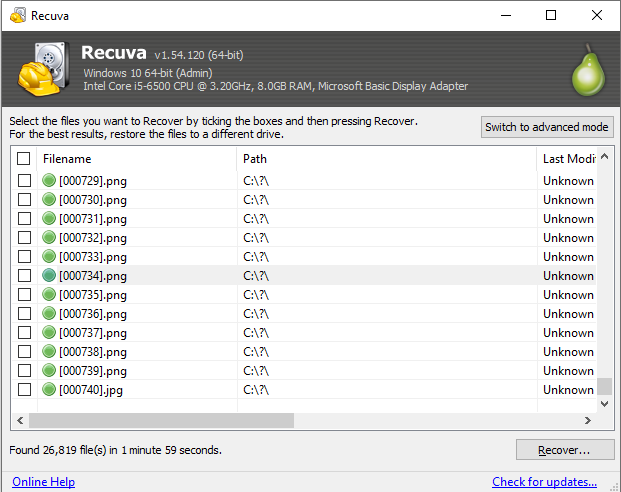
When to run a deep scan
Quick mode when the filesystem still lists deletes; deep when it does not. Expect long runtimes, CPU use, and generic names—sort by size or type when hunting one precious file.
06 · Blog
Short, actionable notes on Recuva, mistakes to avoid, and where software stops, written for Windows users under pressure.
Quick mode when the filesystem still lists deletes; deep when it does not. Expect long runtimes, CPU use, and generic names—sort by size or type when hunting one precious file.
Stop using the card immediately; use a quality reader on a stable port; recover to a PC disk with free space, never back onto the same card. Format only after you have verified copies.
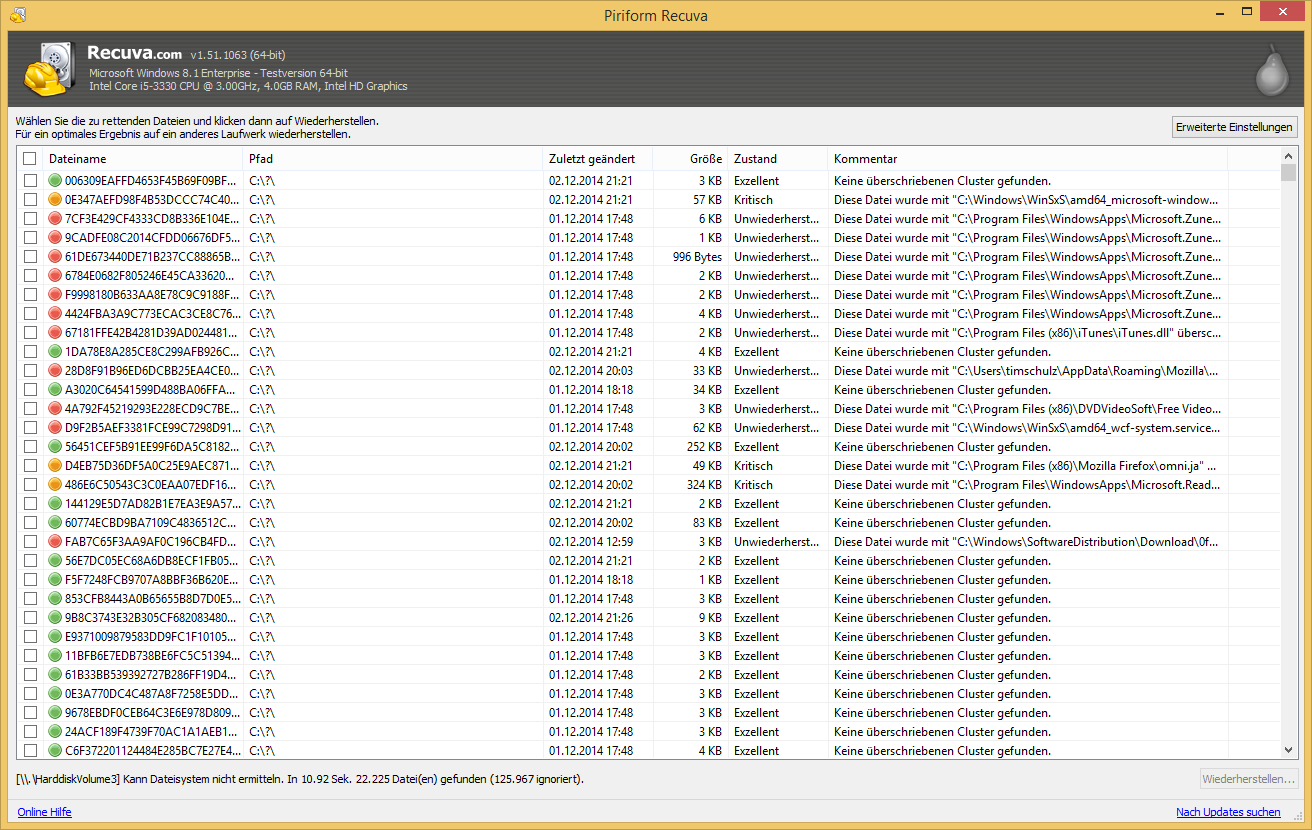
Internal SSDs often reclaim blocks quickly after delete. Undelete may find little even when the UI looks hopeful—plan on backups, cloud version history, and imaging before risky experiments.

When the system disk is the one you need to scan, a portable copy on USB or a second partition avoids installer churn and extra writes where data might still live.
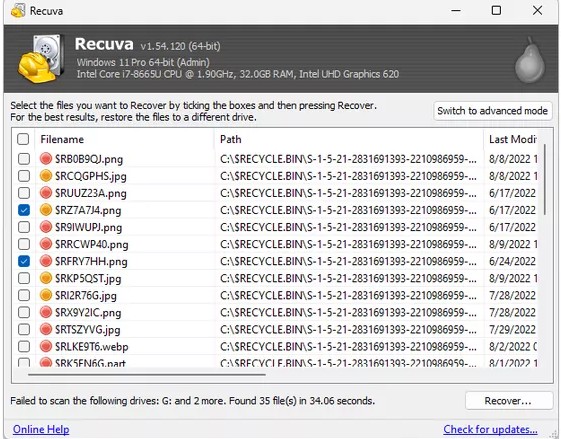
Emptied Bin and recent deletes often leave enough metadata for a fast scan. Shift-delete and busy disks move you toward deep scan sooner—act before large installs or defrag-style maintenance.
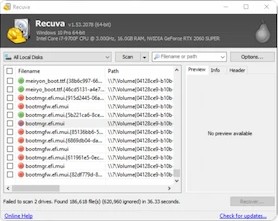
Prefer a download source you already trust, check digital signatures when Windows or your AV offers them, and walk away from mirror sites that bundle toolbars. Recovery is stressful enough without supply-chain junk.
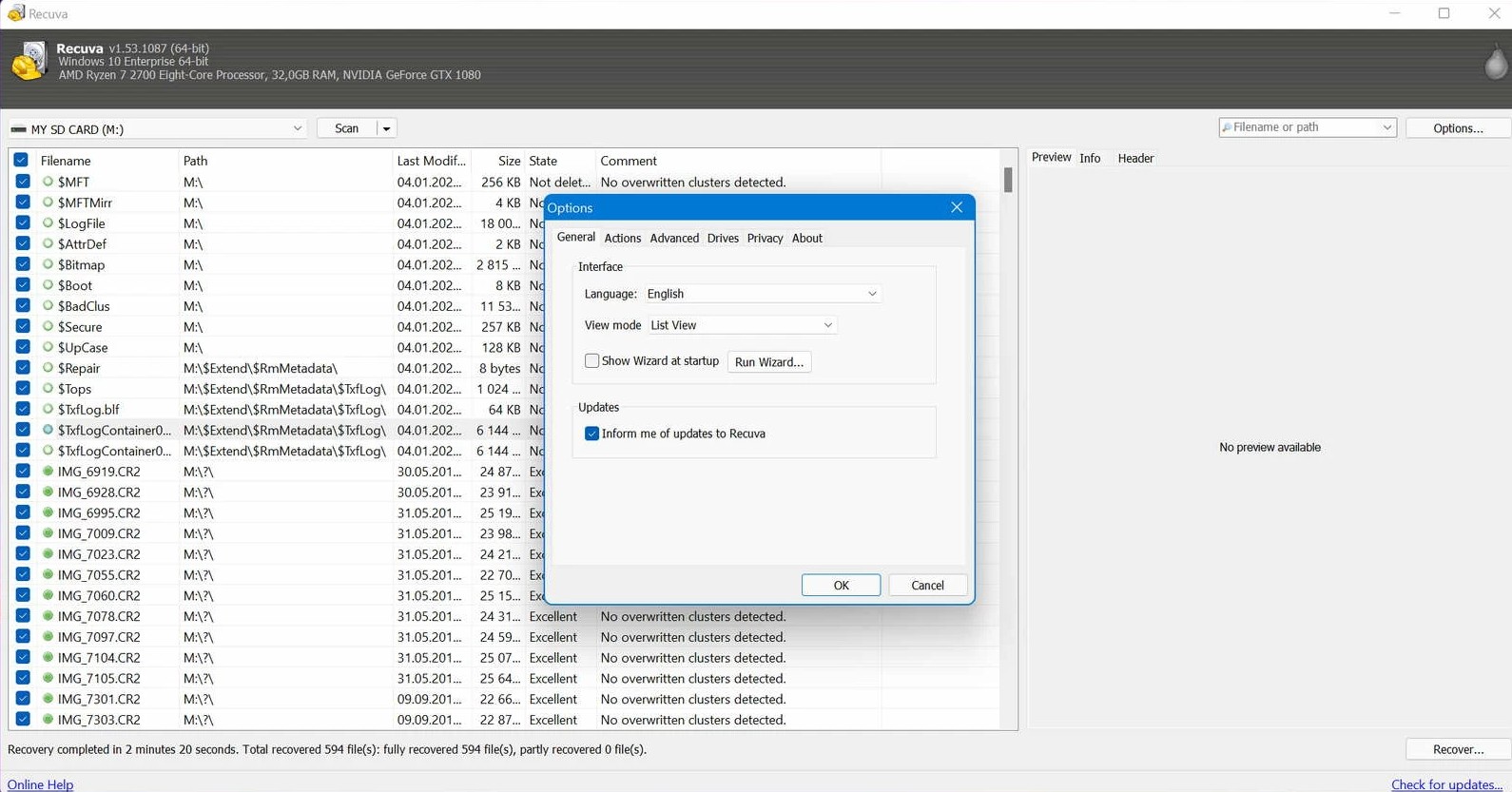
Before a multi-hour deep scan, check whether Windows already kept copies: File History, restore points, or cloud version history. Undelete shines when those layers are empty—otherwise you may get a clean file faster without carving the disk.
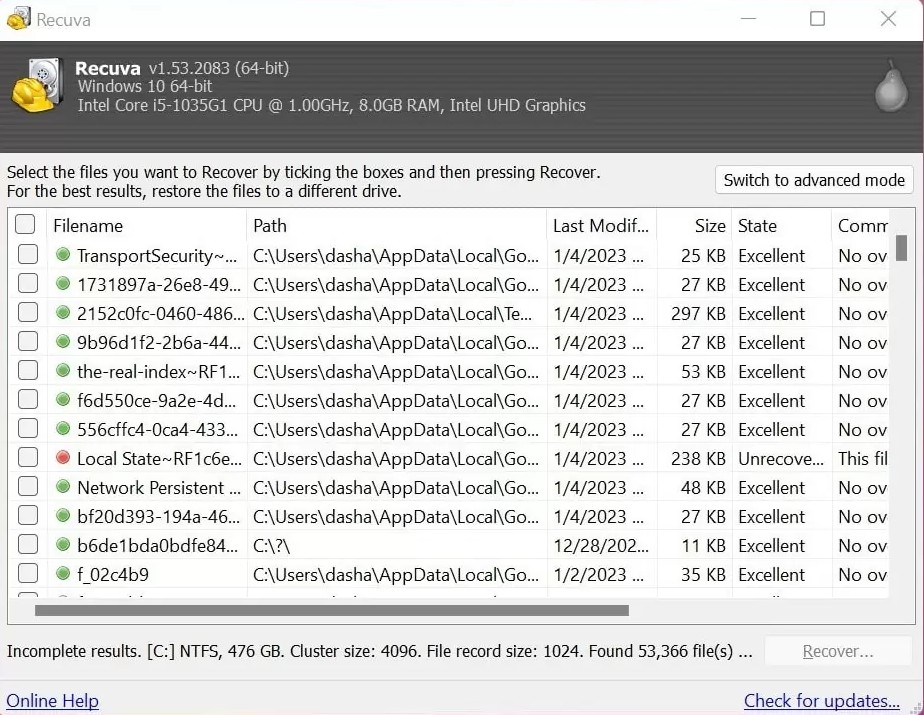
A file can appear in results yet open with errors when clusters were partially reused. Try another candidate with similar size, export fewer files first, and compare hashes when you have a known-good reference.
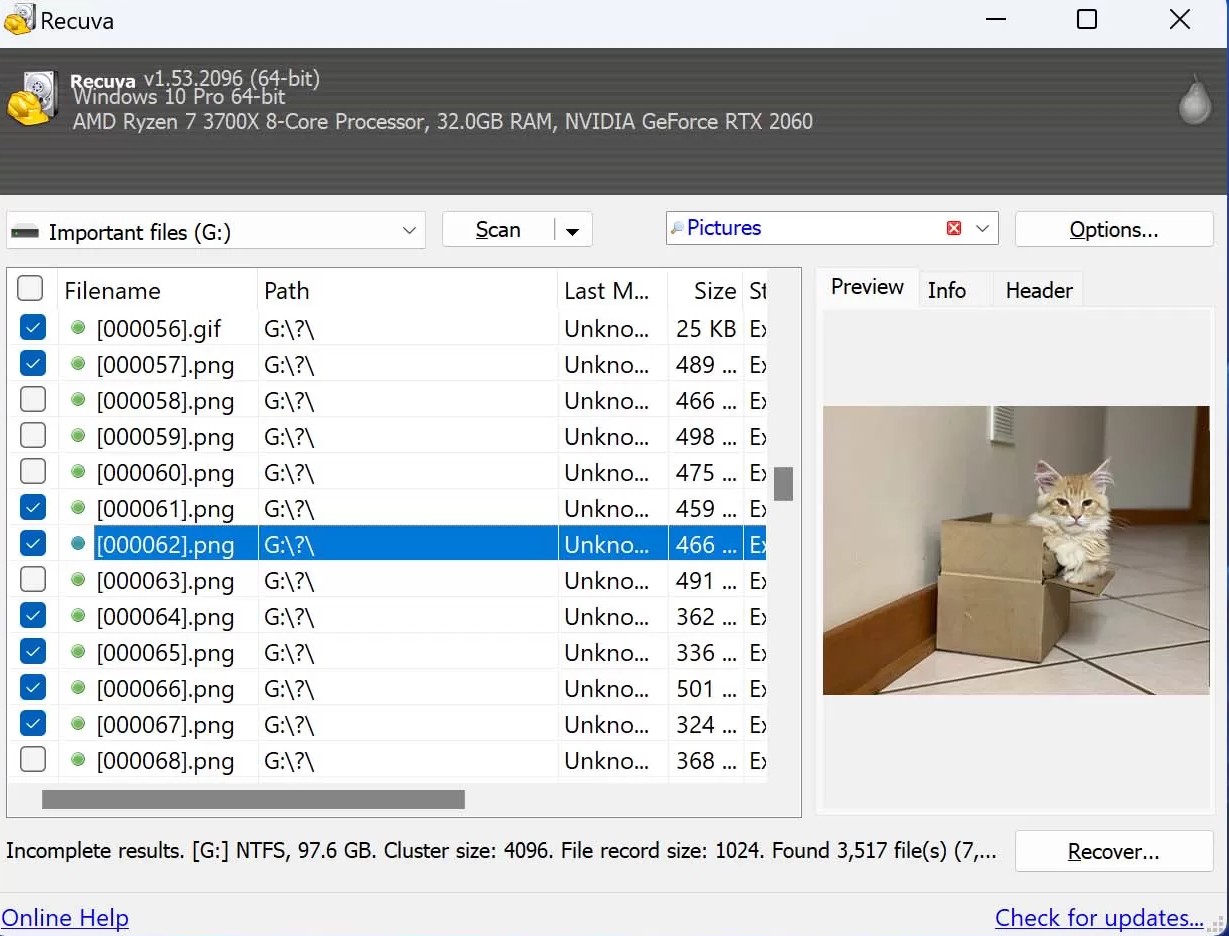
Tools scan volumes Windows exposes as block devices. A letter mapped to SMB or a browser-only cloud folder is not the same as a local disk—check the vendor’s recycle or version features before assuming undelete will see anything.
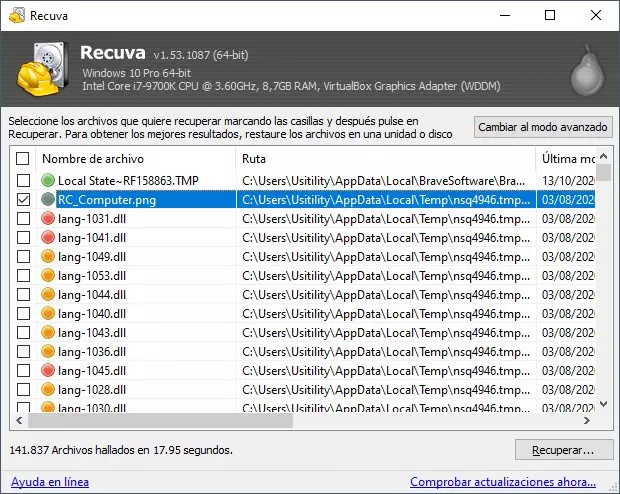
Deep scans love %TEMP% and browser caches. Filter by path, size, and modified time so you are not recovering hundreds of irrelevant thumbnails when your thesis lived under Documents or Projects.
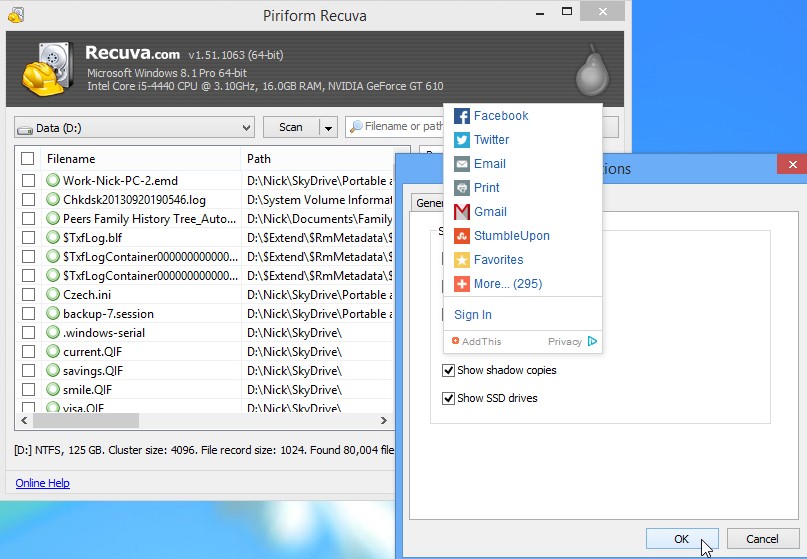
Cumulative updates unpack large payloads on the system volume. If you deleted files the same afternoon, pause optional updates until you have recovered or imaged—every extra write shrinks the safety margin.
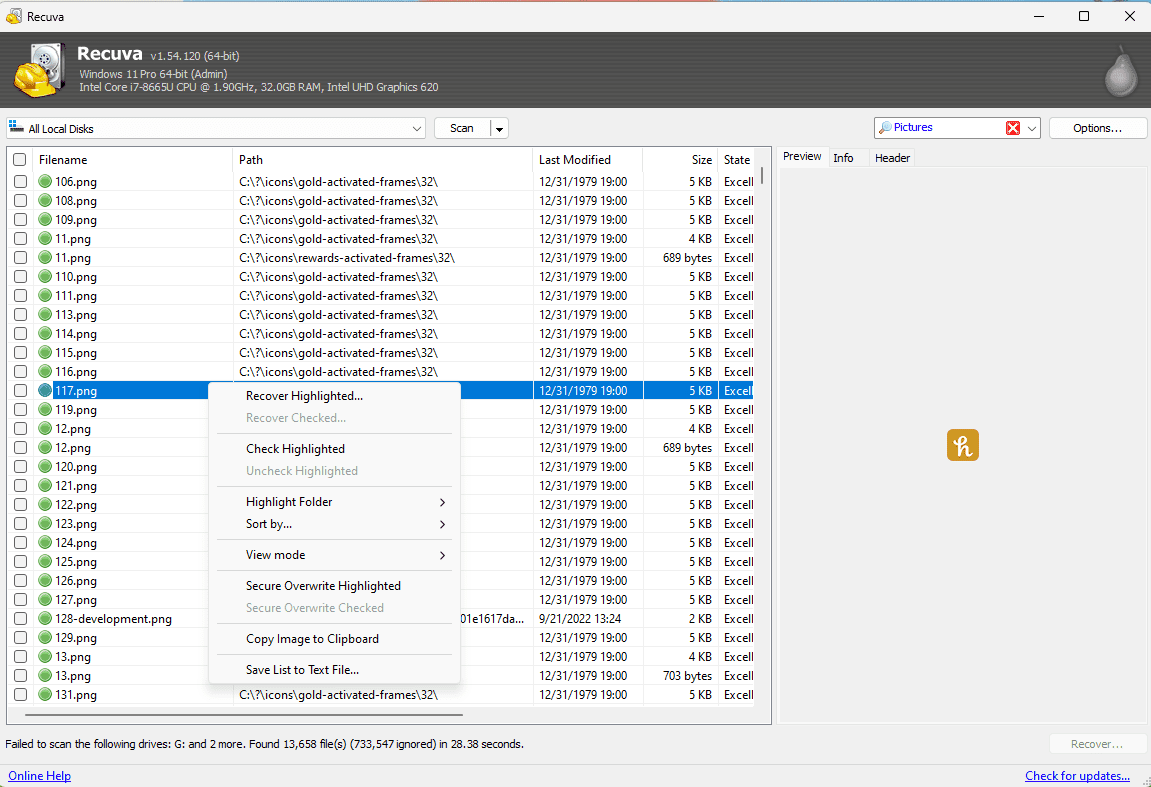
Recovering only `backup.z01` without `backup.zip` or the rest of the chain yields nothing useful. Gather every segment to the same folder with matching names before you trust extraction tools.